Comment publier un livre de coloriage sur Amazon KDP
Dernière vérification
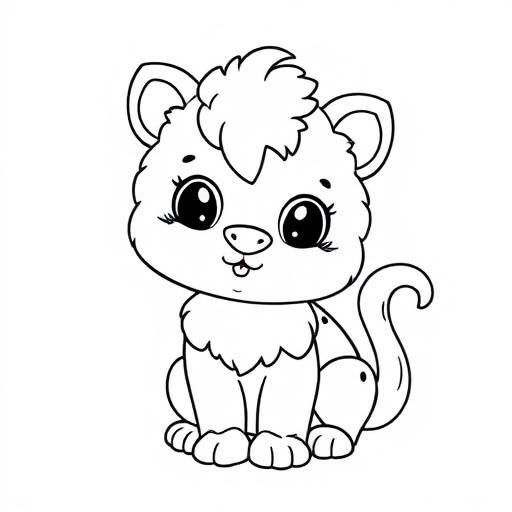
Pour publier un livre de coloriage KDP, produisez des dessins au trait noir et blanc à fort contraste, placez une image par page (en recto seul pour que les couleurs ne traversent pas), et dimensionnez l'intérieur à votre format de coupe selon la règle de reliure de KDP. Kovik génère des dessins au trait nets à l'impression, les vérifie, et construit le PDF de l'intérieur.
Un trait qui s'imprime net
Les pages de coloriage nécessitent des contours nets et fermés, sans remplissages gris ni bruit fin. Kovik contrôle la qualité du trait avant qu'une page puisse être livrée, afin que les pages baveuses fassent échouer la tâche plutôt que l'annonce.
Une mise en page qui évite la transparence
Placer le dessin sur une seule face de chaque feuille empêche le feutre de traverser et de gâcher la page suivante. Kovik dimensionne l'intérieur et les marges selon le profil KDP automatiquement.
- 1Démarrez un projet Coloring Book et choisissez un thème.
- 2Générez les pages ; Kovik valide chacune pour un trait net.
- 3Exportez le PDF de l'intérieur à votre format de coupe.
- 4Suivez le guide de publication KDP pour téléverser et définir les métadonnées.
Combien de pages un livre de coloriage devrait-il avoir ?
La plupart se vendent bien entre 30 et 60 pages. Kovik vous laisse définir le nombre et construit l'intérieur complet en un seul export.