How to sell digital planners buyers actually use
Last verified
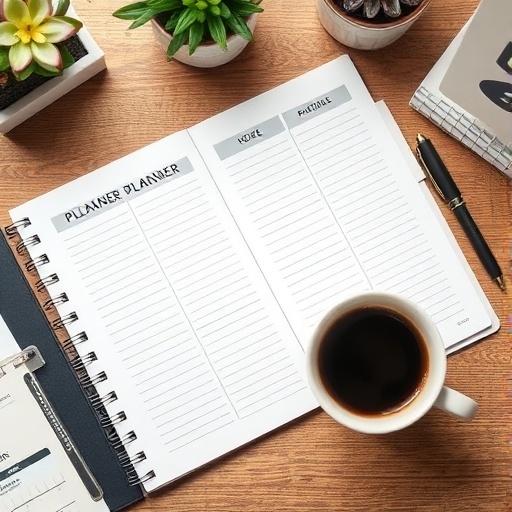
To sell a digital planner, design dated or undated pages with working hyperlinks and tabs for tablet apps like GoodNotes, export a single optimized PDF, and write a listing that states device compatibility clearly. Kovik builds the linked planner from a short brief and packages it with a compatibility note and publish guide.
What makes a planner worth buying
Buyers want tappable tabs, month-to-day linking, and a layout that reads well on a tablet. A clear works-with-GoodNotes line prevents the most common refund.
How Kovik builds it
Pick a planner type, week start, and orientation in the guided brief. Kovik lays out the linked pages, validates the PDF, and produces the listing copy plus a device-compatibility note.
- 1Start a Planner project and choose the type and orientation.
- 2Set your date range or pick undated, then generate.
- 3Export the linked planner PDF and the listing kit.
- 4Follow the publish guide for Etsy or your storefront.
Do the links actually work?
Yes - the exported PDF keeps its internal hyperlinks so tabs and month/day navigation work in any PDF app.